Digital Food Safety System
Save time, reduce hassle and keep your business inspection-ready.

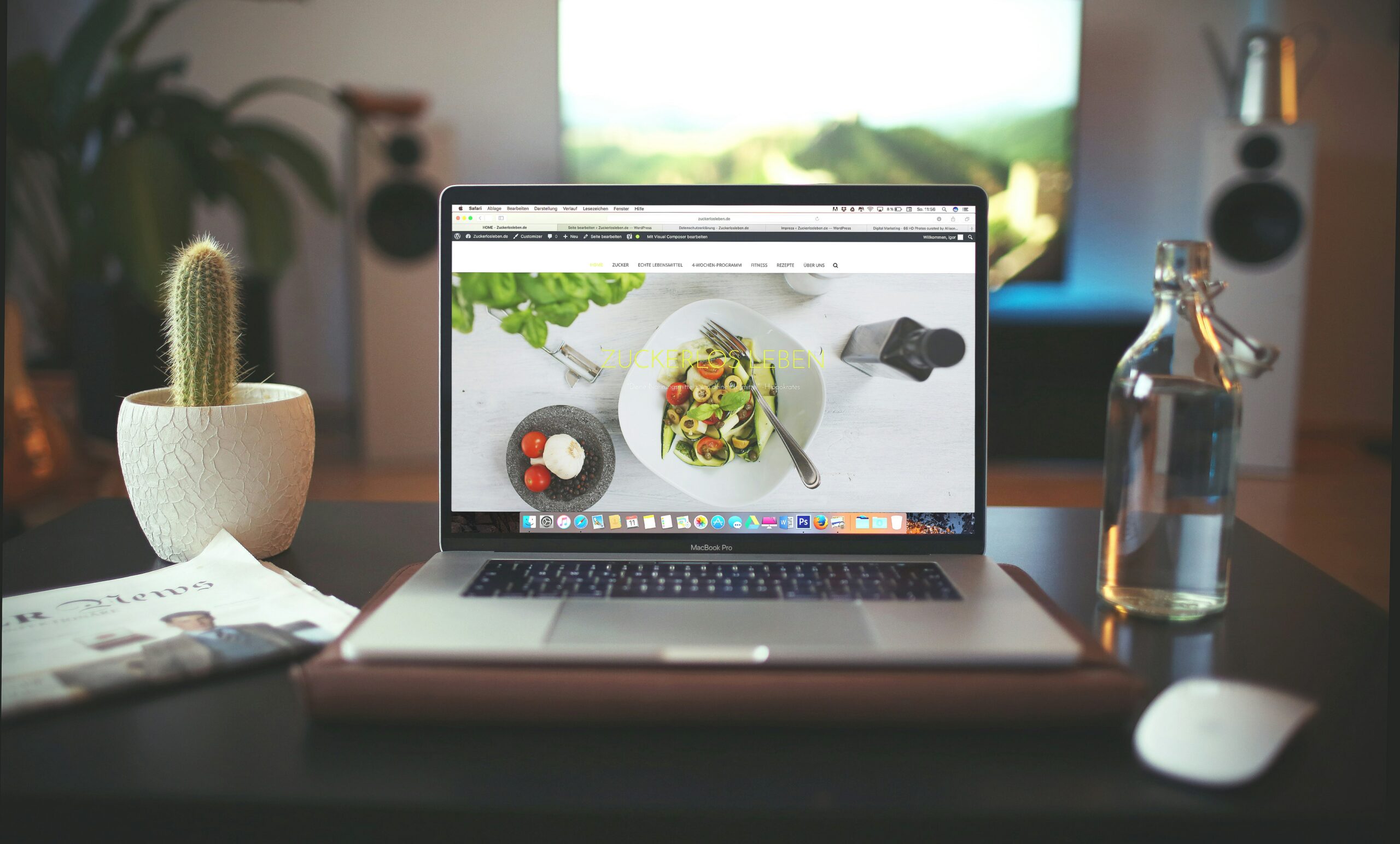
You don’t need a brand-new website to get more bookings. You simply need to know what’s working, what isn’t, and what to fix first.
This free website audit template is designed specifically for independent cafés, pubs and restaurants. It’s a clear action plan that will help you review your website from a customer’s point of view and spot the things that most often stop browsers turning into bookings.
So let’s get started.
Want more simple, proven ideas to help you get found locally, attract more customers, and turn first-time visitors into regulars?
The aim isn’t perfection. It’s clarity and priorities.
If visitors can’t find these quickly, many will leave.
If anything here is missing or hard to find, fix this first.
Your menu often makes or breaks the decision to book.
Ask yourself: Would I feel confident booking after reading this menu? Does your menu make people want to book?
Most guests will view your site on their phone.
If the site feels awkward on your phone, it will for guests too.
You don’t need to understand how these work, you just need to make sure they’re in place.
Slow or broken websites quietly lose bookings. Arrange a review with your web designer or agency to make sure these technical issues are addressed.
This is about being visible when people search locally.
Your website and your Google listing should support each other.
Many guests see your GBP before your website so getting it right is of paramount importance.
Once someone is interested, is the next step obvious?
If guests have to think, many won’t act.
Once you’ve completed the audit, group your findings into three lists:
This turns the checklist into a clear, prioritised plan, not an overwhelming to-do list.
This audit brings everything in this series together into one practical tool. It helps you:
Small fixes in the right places often lead to real increases in enquiries and bookings.
1–2 minutes: First Impression (Mobile)
☐ Can I tell who you are, where you are, and how to book instantly?
☐ Is the booking button visible without scrolling?
2 minutes: Menu Confidence Check
☐ Menu is easy to find
☐ Loads quickly on mobile
☐ Easy to read, prices clear, content up to date
2 minutes: Booking Test
☐ Booking/enquiry button works
☐ Steps are simple and obvious
☐ No confusion about what happens next
2 minutes: Google Check
☐ Google listing matches the website
☐ Opening times are correct
☐ Photos look recent
2 minutes: Decide Priorities
Write down:
Need more hands-on support with your marketing?
At NCASS, we work with thousands of bars, cafés and restaurants across the UK. From getting found online to expert guidance when you need it, we’re here to help your business thrive. Call us on 0300 124 6866 to chat.

 Featured Training